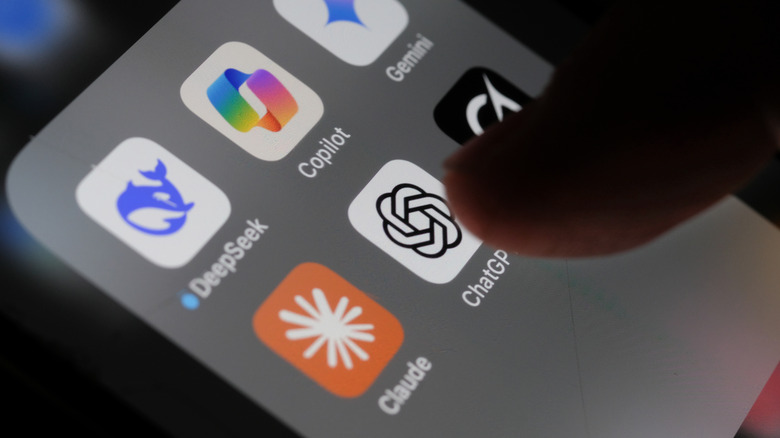
Artificial intelligence is becoming more than a tool for answering questions. Modern AI assistants can connect with personal apps, including Gmail, calendars, cloud storage and productivity platforms, to retrieve information and complete everyday tasks.
For users in Pakistan, this technology could make managing work, business communications and personal schedules much easier. However, connecting AI to private accounts also raises important questions about data privacy, cybersecurity and control over personal information.
The key issue is not simply what an AI assistant can access, but what it is allowed to do with that access.
1. AI Can Access More of Your Digital Life
A standalone AI chatbot generally works with information users type or upload. Connecting personal apps gives an AI assistant access to additional information, depending on the permissions granted.
For example, an AI connected to Gmail and Google Calendar could help users find meeting invitations, review upcoming appointments and prepare for scheduled tasks. A connection to cloud storage could also help locate important documents without manually uploading each file.
This integration makes AI assistance more personalized because it can use relevant information already stored across digital services.
2. Reading Your Data Is Different From Taking Action
One of the most important things to understand about AI app permissions is the difference between read access and write access.
- Read access: Allows an AI assistant to search emails, review documents and retrieve information.
- Write access: May allow supported actions such as sending emails, editing files or creating calendar events.
Write permissions carry greater responsibility because an AI system may change information or perform actions on a user’s behalf.
Some AI platforms introduce approval requirements for sensitive operations, giving users an opportunity to review actions before they happen.
3. AI Personalization Becomes More Powerful
Connected applications can make AI assistants significantly more useful for professionals, freelancers, entrepreneurs and students.
Imagine asking an AI assistant what you need to prepare for tomorrow. Instead of providing generic advice, it could review your authorized calendar, locate relevant documents and organize a practical preparation list.
For Pakistani businesses and startups, similar capabilities could improve productivity, appointment management, customer communication and routine administrative work.
This shift is helping artificial intelligence evolve from a conversational chatbot into an AI agent capable of interacting with digital services.
4. Personal App Connections Create New Security Risks
Greater access also introduces cybersecurity challenges. One major concern is prompt injection, a technique in which attackers hide malicious instructions inside webpages, emails or documents that an AI agent processes.
If an AI system follows those instructions, it could potentially expose sensitive information or perform unintended actions, depending on its permissions and security safeguards.
Another concern is accidental data disclosure. Malicious content could attempt to trick an AI assistant into sharing information retrieved from connected accounts.
These risks make permission controls, secure authentication and human approval especially important when using AI agents.
5. How to Protect Your Privacy When Connecting AI Apps
Users do not necessarily need to avoid AI integrations. Instead, they should control how much access each connected service receives.
Follow these practical security steps:
- Grant minimum permissions: Give AI only the access required for a specific task.
- Review authorization screens: Understand what information an application can access before connecting it.
- Limit write access: Avoid allowing an AI assistant to send, edit or delete information unless necessary.
- Check connected services: Regularly review which applications have permission to access your accounts.
- Disconnect unused apps: Remove integrations you no longer need to reduce unnecessary access.
Remember that changing permissions inside an AI platform may not automatically revoke authorization granted through the connected account. You may also need to remove access directly from the original service.
AI Agents Could Transform the Future of Digital Work
AI assistants are moving toward becoming digital agents that can manage emails, schedule meetings, retrieve documents and interact with multiple applications.
This evolution could improve productivity across Pakistan’s growing technology, freelance and startup sectors. However, its success will depend on strong data protection, responsible permission management and meaningful human oversight.
The smartest approach is to give AI enough access to help you, but never more control over your personal accounts than the task requires.
Source: TechinPakistan